

How to Genealogy with AI: Part 1 — Turning Your AI into a Master Research Assistant

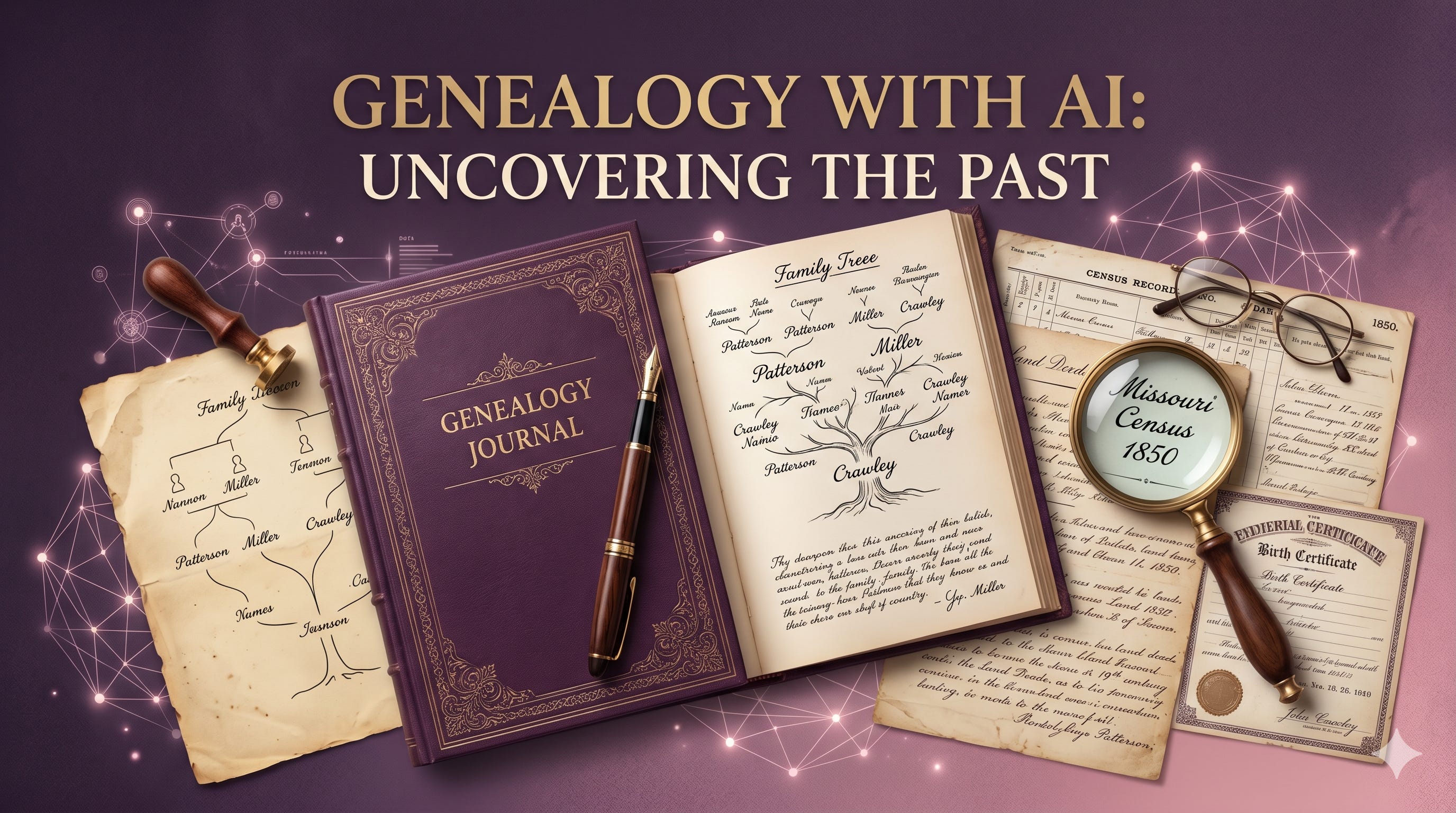
There is a massive debate floating around the family history community right now. On one side, you have tech enthusiasts claiming AI is a magic wand that will build your family tree for you with a single click. On the other side, you have seasoned researchers warning that AI is a dangerous machine that just invents fictional ancestors out of thin air.
The truth is somewhere entirely different.
AI is an incredible research assistant, but it is a terrible researcher.
AI cannot walk into a local county courthouse, it cannot evaluate conflicting evidence with historical intuition, and it doesn’t possess your passion for the truth. But when paired with a disciplined, methodical approach, AI is the ultimate research co-pilot. It is the most powerful tool we have ever had for breaking through brick walls, sorting massive amounts of unstructured data, and finding patterns in decades of messy notes.
If you have ever felt buried under a mountain of census pages, or stuck staring at a timeline that just doesn’t make sense, this series is for you. In this guide, we are going to look at exactly how to safely put AI to work for your research without sacrificing historical accuracy.
1. The Paradigm Shift: From “Searching” to “Sifting”
Before we open a single tool, we must establish the foundational rule of AI genealogy: AI is a generation engine, not a historical search engine.
This is where most hobbyist genealogists trip up. They open a standard chat interface and treat it like Google or Ancestry, asking questions like: “Who were the parents of John Patterson born in Missouri in 1840?”
When you ask an open-ended question like that, the AI scans its vast training data. If it finds conflicting online trees, indexed errors, or just a gap in data, its programming forces it to predict the next most logical word. In genealogy, we call that a hallucination—but to the AI, it’s just completing a sentence. It might confidently give you a set of parents, a birth date, and a location that look incredibly convincing, but are entirely fictional.
To get premium results, we have to use a closed-loop system.
We do not ask the AI to go out and find new historical facts on its own. Instead, we feed the AI our verified data and ask it to analyze, organize, and find the patterns we might have missed. By shifting our focus from searching to sifting, we protect the integrity of our tree, adhere strictly to the Genealogical Proof Standard (GPS), and leverage the massive processing power of artificial intelligence.
2. Setting Up Your Grounded AI Workspace
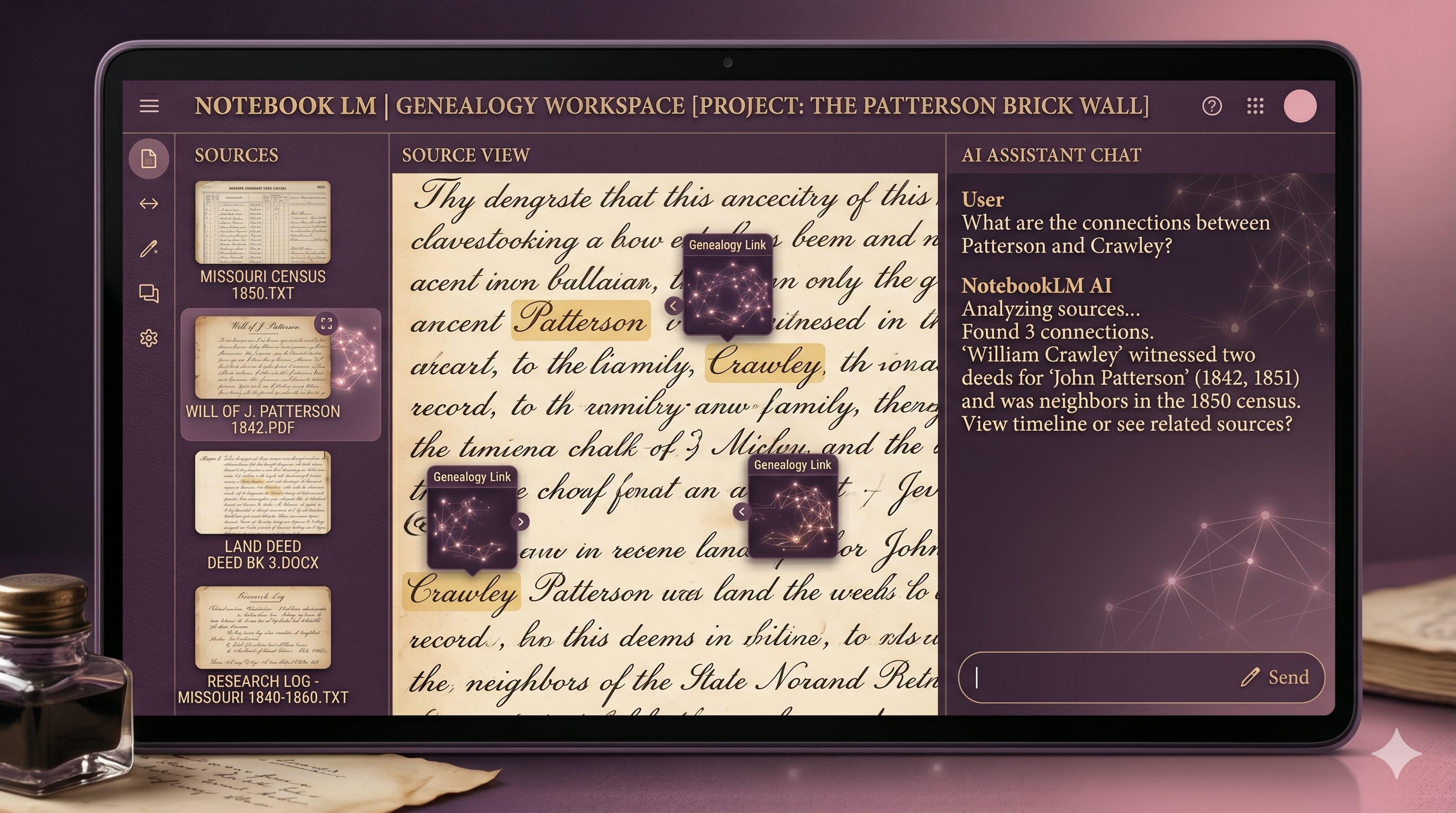
To build a closed-loop system, you need an AI workspace that allows you to upload your own source documents as an exclusive “knowledge base.”
By uploading your own transcribed wills, census extracts, and research logs into a dedicated notebook tool (like Google’s NotebookLM), you create a virtual wall around the AI. You are essentially telling the machine: “Do not look at the public internet. Only look at the files I give you.” This virtually eliminates the risk of made-up information.
Step-by-Step: Building Your First AI Project Folder
1.Select a Specific Brick Wall:Focus on one individual or couple.
Do not try to upload your entire surname history at once. Pick one specific ancestor where the paper trail has gone cold, or a specific geographic location where a family branch seems to appear out of nowhere.
2.Gather and Clean Your Text Sources:Compile your evidence.
Collect your existing research logs, timeline charts, and text transcripts of records (wills, land deeds, census entries). Copy and paste these into clean text files, Word documents, or PDFs.
3.Create a Dedicated Notebook:Initialize the closed workspace.
Open your AI notebook platform and create a brand-new project folder specifically named for that ancestor or research problem. This ensures zero data cross-contamination from other family lines.
4.Upload Your Sources:Ground the AI in your verified research.
Upload your compiled files directly into the project’s source panel. The AI will instantly read, index, and cross-reference the entire folder, becoming an instant expert on your specific research dilemma.
